How to Take Profile Pictures That Enhance Your Features Without Revealing Too Much
Defining Goals and Audience
The purpose of a profile picture is to create a professional and credible impression that targets relevant contacts. Before taking the photo, decide on the message you want to convey: who you are, your area of expertise, and the value you can offer to clients. A clear definition of the audience will help you build an image that represents you authentically without revealing too many details or privacy.
Lighting and Angles
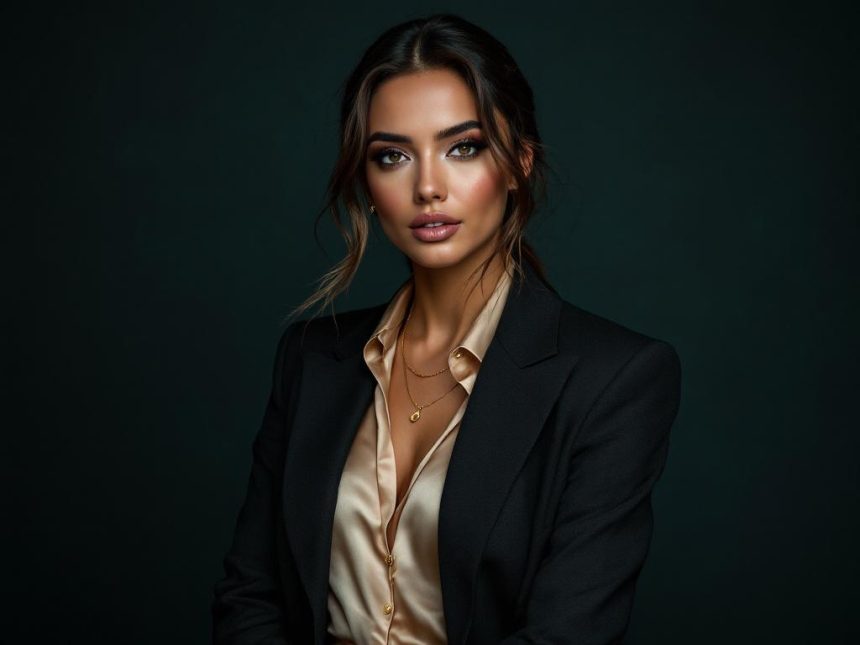
Quality lighting is key. Prefer soft natural light from a window source, or use pleasant studio lighting that minimizes shadows on the face. Avoid light coming from above or behind that casts shadows on the eyes. Position the light source at a 45-degree angle to the face and use a reflector to achieve balanced skin tone. Maintain consistent color temperature across the shots so that the photos look professional together.
Angles, Position, and Facial Expression
Choosing angles slightly tilted towards the camera shows confidence without appearing too formal. A 3/4 profile or slightly turned towards the camera are often the right choices. A relaxed expression and eyes directed towards the viewer convey sociability and trustworthiness. Avoid extreme angles that may convey suspicion or fussiness to maintain an approachable look.
Attire and Aesthetics
Clean and suitable attire for your field makes a big difference. Choose colors that complement your skin tone but remain subtle; avoid strong patterns or bold logos. If the photo includes a body part, maintain attire that respects the professional context and helps focus on your face and message. Minimal additions like a watch or delicate bracelet can complement the appearance without distracting.
Background and Environment
A simple and clean background contributes to focusing on the face and message. Choosing a monochromatic wall or neutral background helps highlight you. Avoid cluttered backgrounds or distracting items that divert attention from the profile. If needed, use a subtle background tailored to the clothing color and general style.
Editing and Processing
Gentle editing can enhance the outcome, but maintain naturalness. Light color corrections, subtle sharpening, and flaw retouching in moderation; ensure colors remain true and do not appear overly processed. Ensure the photo height and crop are suitable for every platform—from small smartphone screens to digital pages. For a comprehensive coverage of the subject, for more information on photography techniques and coordinating photos that aim to enhance features without revealing too much, How to Take Profile Pictures That Enhance Your Features Without Revealing Too Much.